
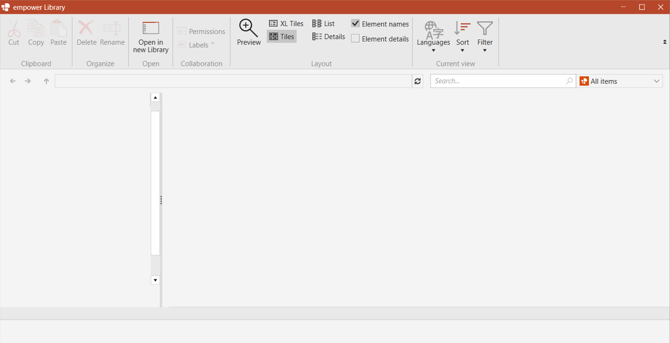
-
Ensure that Microsoft PowerPoint is closed
- Click on the empower® sync icon in your taskbar, select the grey icon with your initials and click on Sign out
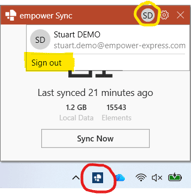
- Restart PowerPoint, at which point the empower® sync icon should automatically reappear in your taskbar
- Open the Library to check that you are now able to see the contents of the Library.
If the Library is still empty after following the above steps, please click here to book a support call.
 Book a call or a meeting to learn how empower® Express can help you and arrange a demo
 Contact us (support@empower.express) if you have any questions
 Click here to learn more and sign up for a free trial
 Click here to book a call with our technical support team