
Sometimes the fix to problems with empower is to rebuild the offline cache of files from the Cloud to your machine. To do this
- Click on the empower icon in the system to launch the empower sync
- Next click the cog icon (to the right of your systme initials, for example “MD” below)
- Select “Clear local cache"
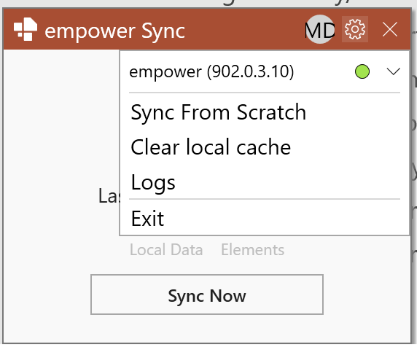
This will delete your offline cache and the empower sync will rebuild it.
Explainer video; Click here to watch a video on how to do this