
Links should automatically change to dark blue font colour, however, also manually bold and underline it to help clarify where appropriate
How to add a meeting link
[xx]
Note: there are different meeting links for different types of meetings; xx xx xx
How to add a contact form link
|
|
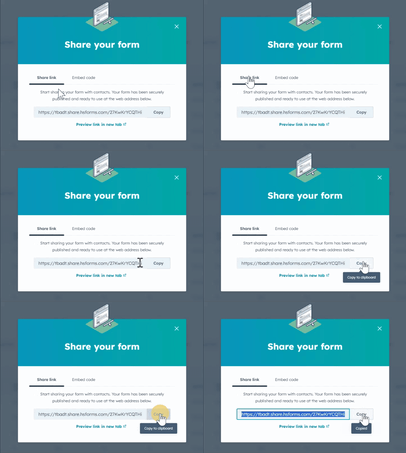
e.g. Contact us
The contact us and meeting links should be on every article where relevant and should be added to a Callout Tip box and can be copied from below.
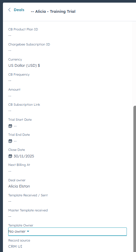
How to add document links
|
 |
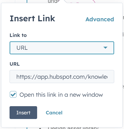
How to add links to other web pages
|
 |
How to add links to other articles (v useful to set up a learning path or embed articles into one single article)
- Use the Insert Link option to add links to other articles
- Use the 'One of your pages' option
- For the Learning path articles (or where there are lots of links and articles to add), you can combine links to one single article to make the mass of information more navigable and to avoid overwhelm
- We keep the Learning paths articles in a semi hidden category called 'Training paths detail', not immediately visible on the landing page, but visible once a user clicks on one of the articles
Add all the booking and contact links here e.g.
 Book a call or a meeting to find our how empower Express can help you and arrange a demo of all the tools. [ADD LINKS to key text and ICON]
 Contact us if you need any more information or have any questions.
 Click here to learn more and sign up for a free trial