
The empower® sync is the application empower® users to cache files from the empower® cloud to your local machine. The sync runs at least once per day, or every time you restart your computer.
To manually run a sync follow these steps;
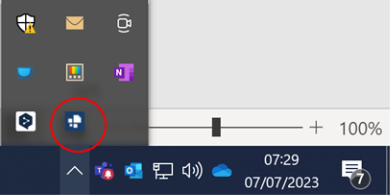
- In the system tray of your computer (the bit by the clock), click on the up arrow to find the empower sync icon

- In this area you will see the empower icon. Drag this onto the main bit of the bar, to make sure it is always visible. Click on this to launch the empower® sync
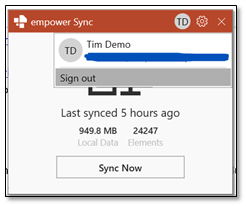
- To manually run the empower® sync select the “Sync Now” button
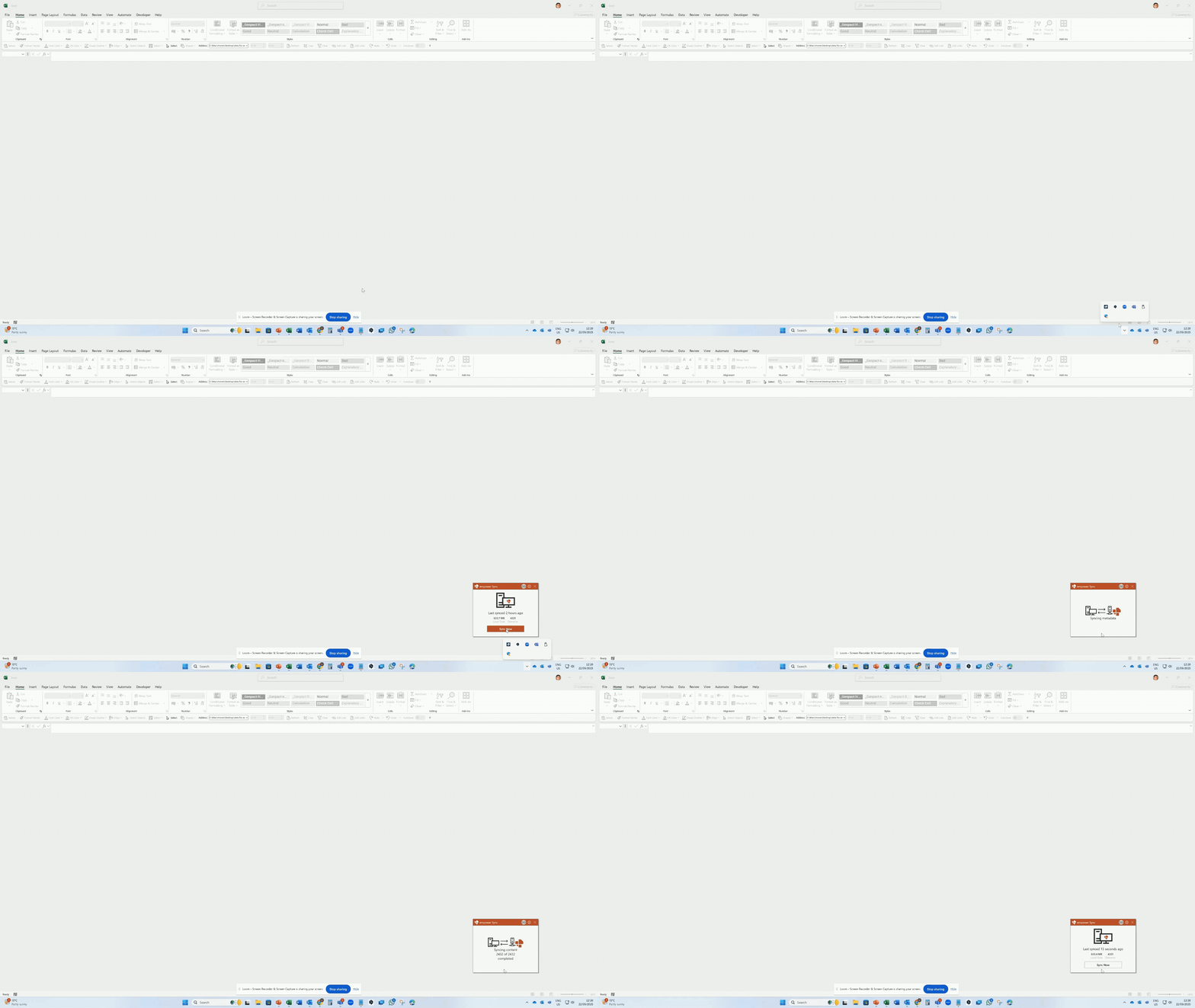
Watch how to do this below
 Book a call or a meeting to learn how empower® Express can help you and arrange a demo
 Contact us (support@empower.express) if you have any questions
 Click here to learn more and sign up for a free trial
 Click here to book a call with our technical support team