
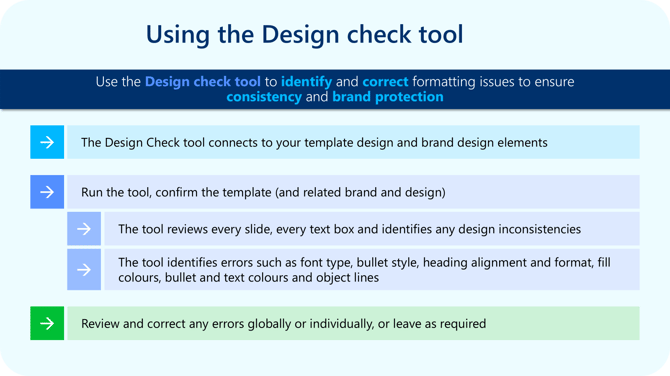
Watch this video to see how it all works:

Note: The Design Check tool only works correctly when the presentation is based on a template from the empower® library/master folder. If the file was created without using an empower® template, the tool won't work until it is converted to a template from your empower® Master Templates folder.
Tips for Efficiency
-
Run the Design Check tool near the end of a presentation to catch final formatting issues.
-
Use it after conversion projects to identify and fix inherited errors quickly.
-
Use the by type view when multiple slides share the same issue; this is the fastest way to fix repeated errors.
-
Review slide-specific issues before making changes to avoid correcting something that is intentionally different.
-
Run the Design Check tool after major edits and again before final delivery to catch last-minute inconsistencies.
 Book a call or a meeting to learn how empower® Express can help you and arrange a demo
 Contact us (support@empower.express) if you have any questions
 Click here to learn more and sign up for a free trial
 Click here to book a call with our technical support team