
To send us your log files simply navigate to the “Help & Settings” menu option and select “Report a Bug” – see below

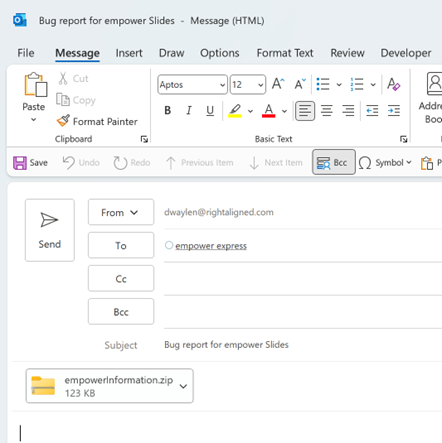
This will create an email with an attachment which contains the log files we need - see below
Alternatively: Click here to watch a video on how to do this
 Book a call or a meeting to learn how empower® Express can help you and arrange a demo
 Contact us (support@empower.express) if you have any questions
 Click here to learn more and sign up for a free trial
 Click here to book a call with our technical support team